
FreeNAS is a pretty great (and free!) Network Attached Storage system. Recently, it was updated to version 9.3 which contained a lot of great improvements including automatic updates over the network. (Previously, the upgrade process was manual and kind of a pain in the neck.)

Unfortunately, FreeNAS isn’t very good at the power-saving thing. (read: spinning down your hard drives when they’re not being used.) And prior to FreeNAS 9.x, it was pretty easy to get the drives to go into Standby mode using a few commands. But again, FreeNAS has changed the default install to put the system log (which it writes somewhat regularly to) on the very drives you’re trying to spin down.
Fortunately, there is a fix.
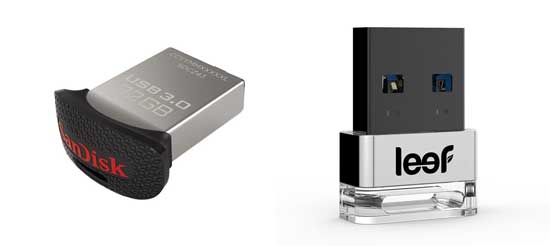
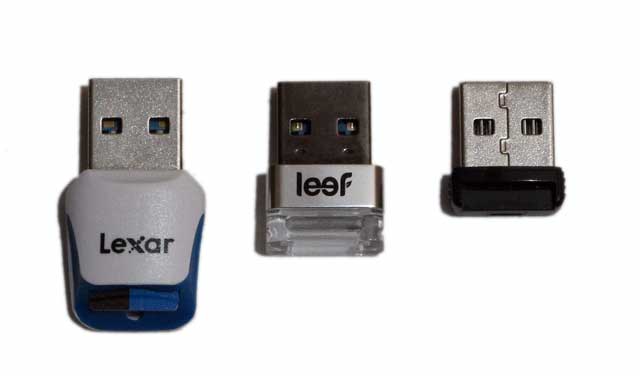
 Whether you call it a jump drive, thumb drive, key drive, zip drive, or that thinga-ma-jig, the USB flash drive is an amazing piece of technology. Oh sure, there’s “the cloud” where you can store all your data on some server controlled by “the man”, but there’s nothing like having your data right in the palm of your hand on a nice little chunk of nearly indestructable Flash memory. (okay, seriously, don’t take a hammer to it. That will end badly.) But wow, have flash drives grown!